How to Deposit Naira on Spenda: A Complete Step-by-Step Guide

A simple step-by-step guide. With Spenda 2.0, funding your wallet with Naira is quick, easy, and instant.
Whether you're looking to send stablecoins, make local bank transfers, pay bills, or explore Spenda's other features, you can get started by making a Naira deposit on Spenda. Here's everything you need to know.
What You Need Before Depositing Naira
Before you get started, keep these two requirements in mind:
- KYC verification is mandatory. You must complete Advanced KYC on Spenda before you can deposit Naira.
- Your bank account name must match your Spenda account name. Deposits from accounts belonging to friends, family members, or other third parties are not permitted.
Once you've met these requirements, you're ready to fund your wallet.
How to Deposit Naira on Spenda
Follow these simple steps to make your first deposit.
Open the Spenda App
Log in to your Spenda account. If you're new to Spenda, download the app here.
Complete KYC
Make sure your identity verification is complete. You won't be able to deposit Naira until you've completed Advanced KYC.
Navigate to Deposit
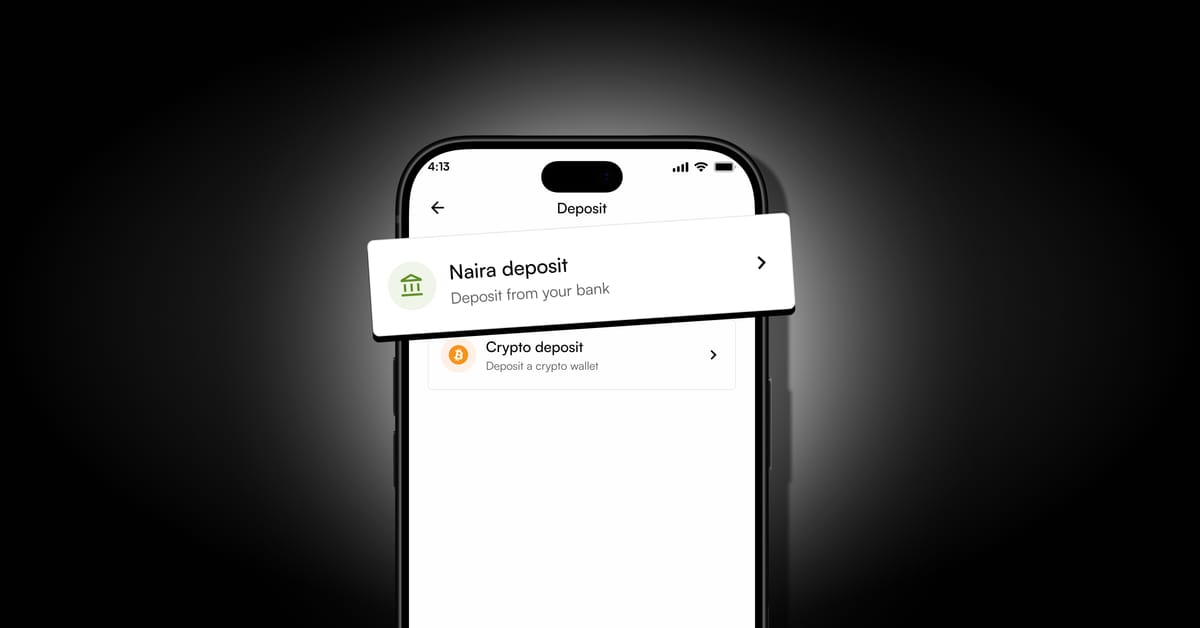
Select the Naira deposit option to view your assigned bank account details.
Choose a Bank Account
Spenda provides two different bank account numbers for your convenience. Select either option and carefully confirm the beneficiary details displayed in your app.
Make Your Bank Transfer
Open your banking app and transfer your desired amount to the selected Spenda deposit account. Remember, the sending bank account must bear the same name as your Spenda account.
Check Your Balance
Once your transfer is successful, your Naira deposit should reflect in your Spenda wallet instantly. Check your balance or transaction history to confirm.
What Can You Do With Your Naira Balance?
Your Naira balance gives you access to several convenient features on Spenda 2.0, including:
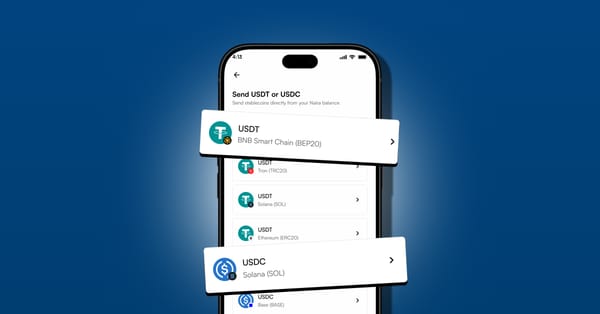
- Send stablecoins: transfer supported stablecoins like USDT and USDC directly from your Naira balance, without manually swapping currencies.
- Make local bank transfers: send Naira to any bank account instantly.
- Pay bills: handle supported payments for airtime, data, electricity, and TV subscriptions.
What If Your Naira Deposit Doesn't Reflect?
Although Naira deposits are designed to be instant, a bank transfer may occasionally experience a delay. If your deposit doesn't reflect:
Confirm that your bank transfer was successful from the sending bank.
Check your Spenda transaction history.
Verify that you used the correct deposit account details.
If the issue persists, contact our in-app support team, or email support@spenda.africa with your transaction receipt, reference, and session ID.
Frequently Asked Questions
Is Naira deposit on Spenda instant?
Yes. Successful Naira deposits are designed to reflect instantly in your Spenda wallet.
Do I need KYC to deposit Naira?
Yes. You must complete Advanced KYC verification before depositing Naira.
Can I deposit Naira using someone else's bank account?
No. Your deposit must come from a bank account registered in the same name as your Spenda account.
Why does Spenda provide two bank account numbers?
The two account numbers offer additional convenience and flexibility when funding your wallet. You can choose either option displayed in your app.
What should I do if my deposit is delayed?
Check your bank transfer status and Spenda transaction history. If the funds haven't reflected, contact support@spenda.africa for assistance.
Start Depositing Naira on Spenda Today
Funding your wallet is simple: complete Advanced KYC, transfer from your own bank account, and enjoy instant Naira deposits. Deposit Naira. Send stablecoins. Spend smarter with Spenda.
Download Spenda